
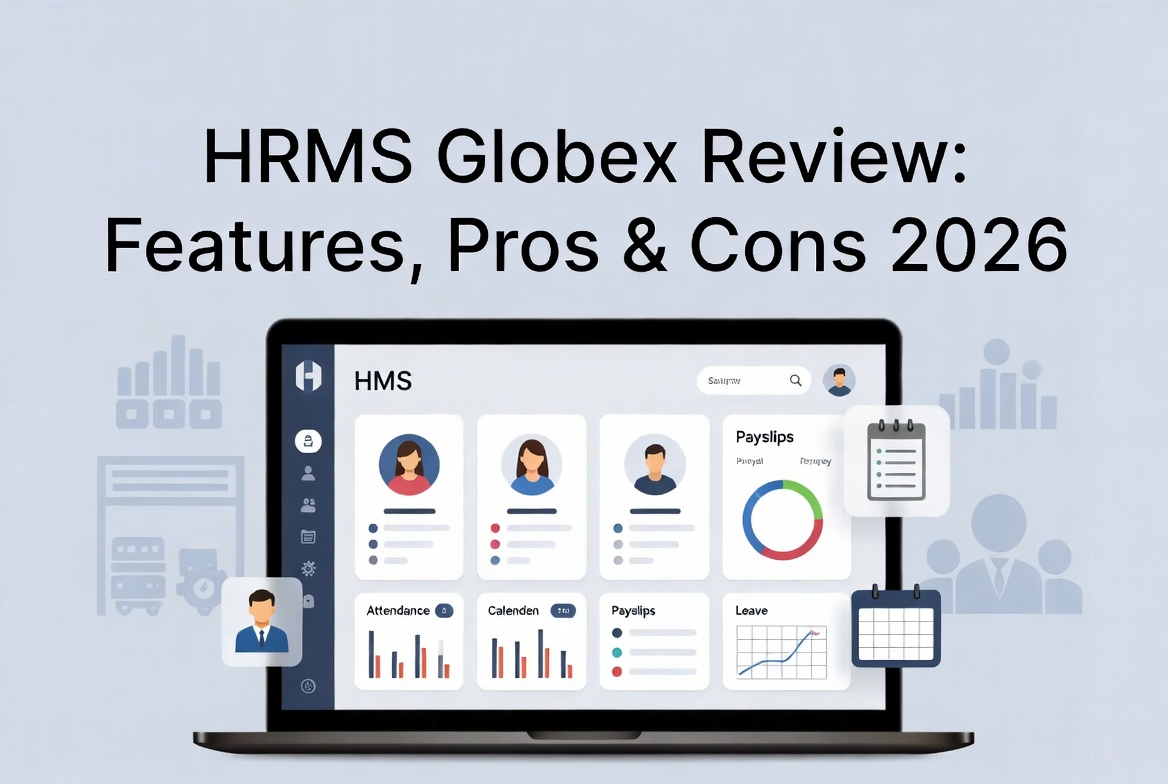
HRMS Globex is a human resource management system built to bring employee records, payroll, attendance, and leave tracking into one login instead of scattered spreadsheets and paper files. But here’s what most articles on this topic won’t tell you: there’s real confusion online about whether HRMS Globex is a public HR software product you can sign up for, or a private, employer-issued portal used inside a specific company.
This review clears up that confusion, then walks through the features, login process, pros, cons, and how it stacks up against better-known HR platforms — so you know exactly what you’re dealing with before you rely on it.
Who Is HRMS Globex, Really?
This is the part most competing guides get wrong, so let’s be direct about it.
If you search “HRMS Globex,” you’ll run into two very different stories:
- Story one: it’s described as an “advanced cloud-based HRMS platform” with customizable dashboards, tiered pricing plans, and cost calculators — the kind of language you’d expect from a SaaS product like Zoho People or BambooHR.
- Story two: it’s an internal HR portal hosted at
hrms.theglobex.com, issued by a specific employer (most commonly associated with logistics, courier, and freight-forwarding operations), used only by that company’s own staff.
The second story is the one backed by verifiable details — a real login URL, a documented Performance Management System (PMS) workflow, and role-based dashboards for employees, managers, and HR admins. The “generic SaaS” version floating around the web reads like templated filler: vague feature lists, no independently confirmed pricing, and in at least one case, an unrelated company name attached to it.
Bottom line: HRMS Globex is not something you sign up for on your own. It’s a corporate HR system, and access is provisioned by your employer’s HR or IT team — not a self-serve tool you’ll find a pricing page for. If a site tells you otherwise or quotes you a monthly rate, treat that claim with skepticism.
How HRMS Globex Works
Employees log in with an employee ID or company email and land on a dashboard scoped to their role. From there, four types of users typically interact with the system:
- Employees — check attendance, apply for leave, download payslips, update personal details
- Managers — approve leave requests, view team attendance, complete performance reviews
- HR staff — manage the workforce, run payroll cycles, monitor compliance
- Admins — configure permissions, modules, and system-wide settings
This role-based structure is one of the more consistently confirmed details across every credible source — it’s not a single flat login, but a layered dashboard system.
Key Features of HRMS Globex
1. Attendance & Shift Tracking
Employees clock in and out, view assigned shifts, and check duty rosters. This is especially useful for shift-based or round-the-clock operations, where attendance data feeds directly into payroll.
2. Payroll Management
Salaries, tax deductions, bonuses, and other pay components are calculated automatically based on attendance and leave records. Digital payslips can be downloaded anytime through employee self-service — no more chasing HR every month.
3. Leave Management
Employees can apply for annual, sick, or casual leave online and track approval status in real time. Balances update automatically once a request is approved or rejected.
4. Performance Management System (PMS)
This is one of the more detailed and well-documented modules. It follows a structured, multi-stage review process:
- Employee self-review
- Reporting manager/appraiser review
- Final review by the Head of Department or authorized reviewer
The system also auto-saves incomplete reviews as drafts, so an interrupted session or connection drop doesn’t cost you your progress. Appraisal-letter acceptance is confirmed using the employee’s HRMS password as an added verification step.
5. Employee Self-Service (ESS)
Employees can update personal information, emergency contacts, and bank details without emailing HR for every small change — cutting down on repetitive back-and-forth.
6. Recruitment & Onboarding
Job postings, applicant tracking, and interview scheduling run through a single pipeline, while onboarding covers document submission and policy acknowledgment before a new hire’s start date.
7. Document Management & Compliance
Contracts, policy documents, and compliance paperwork are stored centrally with controlled, role-based access — useful for audits and record-keeping.
8. Security Features
Standard protections include data encryption (in transit and at rest), role-based access control (RBAC) so employees can’t view others’ payroll data, multi-factor authentication (MFA), and audit logs for tracking system activity.
HRMS Globex Login Process
- Go to the login page provided by your organization (commonly
hrms.theglobex.com) - Enter your employee ID or company email
- Enter your password
- Complete MFA/2FA if enabled
- Click Sign In to reach your dashboard
Forgot password? Click “Forgot Password,” enter your employee code or registered email, follow the verification steps, and set a new password.
Common login issues usually come down to typos, extra spaces, caps lock, an expired session, or a temporary lockout after repeated failed attempts. If your organization requires VPN access, connect to it first before troubleshooting anything else. When in doubt, contact your IT or HR helpdesk rather than repeatedly retrying — repeated failed attempts can extend a lockout.
Pros of HRMS Globex
| Advantage | Why It Matters |
|---|---|
| Single login for most HR tasks | Less time spent switching between spreadsheets and email |
| Automated attendance-to-payroll flow | Fewer manual calculation errors |
| Structured, multi-stage performance reviews | Reduces bias from relying on a single reviewer |
| Role-based dashboards | Keeps sensitive data appropriately restricted |
| Draft auto-save on reviews | Protects work from session drops or interruptions |
| Reduces repetitive HR email requests | Frees HR time for higher-value work |
Cons and Limitations of HRMS Globex
| Limitation | Why It Matters |
|---|---|
| No public self-signup or free trial | You can’t evaluate it independently before your employer provisions access |
| Pricing and full specs aren’t published | Hard to compare against transparent SaaS competitors |
| Feature set varies by employer configuration | Two companies using “HRMS Globex” may see very different experiences |
| Depends on stable internet/VPN access | Performance can be affected by connectivity issues |
| Support quality varies by deployment | You’re relying on your own IT/HR team, not a dedicated vendor support line |
HRMS Globex vs Other HR Software
| Platform | Access Model | Best Known For | Public Pricing |
|---|---|---|---|
| HRMS Globex | Employer-issued internal portal | Attendance, payroll, and performance for one organization | Not published |
| Zoho People | Public SaaS | Broad HR suite, strong app integrations | Published tiers |
| BambooHR | Public SaaS | Onboarding and employee experience, popular with SMBs | Published tiers |
| Keka | Public SaaS | Payroll and performance for mid-size companies | Published tiers |
| GreytHR | Public SaaS | Payroll and compliance, strong in India | Published tiers |
If you’re an employee at a company already using HRMS Globex, this comparison isn’t really a choice you get to make — it’s simply the system you use. If you’re shopping for HR software from scratch, the publicly available platforms above offer transparent pricing and self-serve trials that HRMS Globex doesn’t.
Our Verdict
HRMS Globex does what it’s built to do: centralize attendance, payroll, leave, and performance reviews under one employer-managed login. It’s a solid, functional internal HR system — not a flashy SaaS product, and not something you can buy off a pricing page. If your organization already uses it, this guide covers what you need for day-to-day use. If you’re evaluating HR software for your own business, look at established, publicly available platforms instead, since their specs and pricing are independently verifiable.
Frequently Asked Questions
Is HRMS Globex a free HR software anyone can sign up for?
No. It’s issued by an employer to its own staff — there’s no public self-registration.
What is HRMS Globex used for?
Centralizing attendance, payroll, leave management, employee records, and performance reviews into one dashboard.
How do I log in to HRMS Globex?
Visit the login portal provided by your organization, enter your employee ID/email and password, complete MFA if required, and sign in.
I forgot my HRMS Globex password. What now?
Use the “Forgot Password” link, verify with your employee code, and set a new password.
Does HRMS Globex support performance reviews?
Yes — through a structured PMS with employee self-review, manager review, and final HOD review stages.
Can I compare HRMS Globex to BambooHR or Zoho People?
Only loosely, by category. HRMS Globex is a private internal portal; the others are publicly marketed SaaS products with transparent pricing.
Who can see my payroll data on HRMS Globex?
Role-based access control restricts payroll visibility to you and authorized HR/payroll staff only.
Does HRMS Globex have a mobile app?
Most deployments extend self-service features to a mobile browser; a dedicated app depends on your organization’s setup.
Conclusion
HRMS Globex isn’t a mystery product — it’s a practical, employer-managed HR portal that pulls attendance, payroll, leave, and performance data into one place. The confusion online comes from a handful of thin articles describing it as a generic SaaS tool with invented pricing.
Once you separate that noise from the verifiable facts, HRMS Globex is straightforward: log in with your employee credentials, use the self-service tools for routine tasks, and rely on your organization’s IT or HR team for anything the portal itself can’t resolve.